
 As a small business owner, you know that you need to have a website. You’ve gone through the steps of creating a website for your business and now you’re just waiting for the customers to start pouring in. Since you want your website visitors to find you when they search in Google, you’ll need a Google account for your business and to take steps to make sure your business website is Google-friendly.
One of the things that Google has been emphasizing for a long time is that websites need to provide a good user experience (UX). Part of a good user experience on a website is that it loads quickly, especially on tablets and mobile devices. There are tons of very technical articles out there telling you how to optimize your website by streamlining DNS lookups, minifying CSS and JavaScript, using a content delivery network (CDN), compressing images, etc. However, there are some less technical things you can do that can make a big difference.
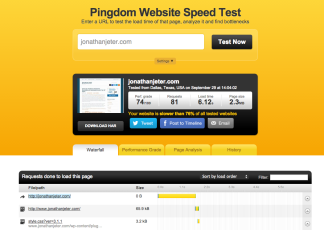
 How can you tell if your website is optimized? There are several good websites that will test your website to see how it performs. My favorite is the Pingdom Website Speed Test. Simply type the URL of your website into the form and Pingdom will download the page through their tool. For each component on the page, it will let you know how long it takes to connect to the server to find the resource and how long it takes to download. Under the performance grade tab, you will see the different elements that make up the performance grade and how your site scored for each one. The page analysis tab breaks down the different types of elements on the page and lets you know very specifically how all of the different aspects of your page are performing. Finally, it allows you to keep a history of tests so you can see performance over time.
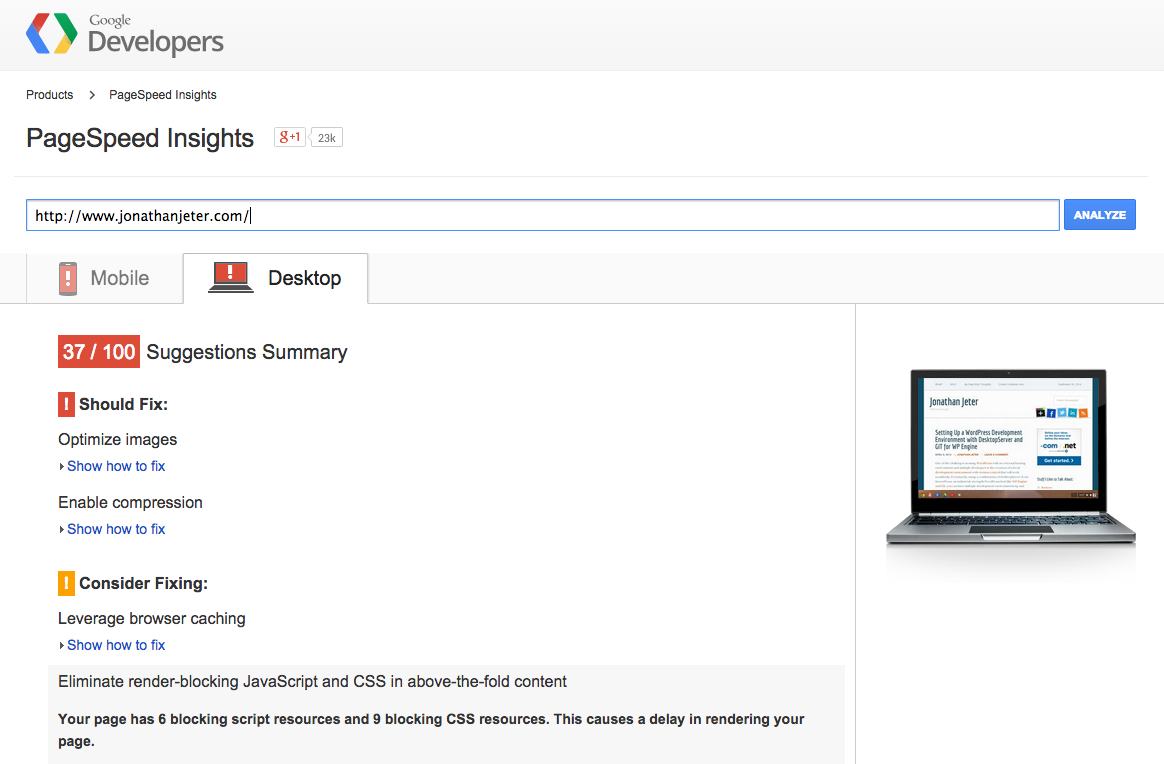
Another good tool is Google’s Page Speed analysis tool. It will also give a grade and report results divided into three categories: should fix, consider fixing, and passed rules. With Google’s tool, you’ll see that your biggest improvements will probably be achieved by compressing images.
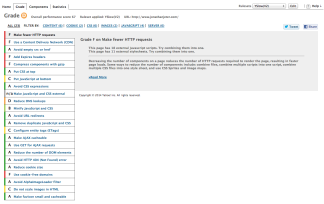 Yahoo! also has a speed test tool called Yslow that works in the form of an add-on/plugin/extension in your browser (except for Internet Explorer) that also analyzes your web page, gives a grade and offers suggestions for improvement. An additional tool that Yahoo! provides is an image compression tool call smushit that will help you compress your images. There is also a WordPress plugin available that uses smushit to automagically reduce the file size of the images on your site.
Even if you don’t know how to make fewer HTTP requests or reduce DNS lookups, using these tools you should be able to reduce image sizes on your website, so that your visitors can see your content faster. And that makes the search engines happy.